
How to Create a Fake TikTok Comment Image for a Mockup or Video Edit
Short answer: To create a fake TikTok comment image, start with a fictional use case, choose either a transparent reply sticker or a full comment thread, customize the identity and comment details, preview the result, and export a PNG. The image should function as a clearly contextualized mockup or creative asset—not as evidence that a real person commented, replied, or endorsed something.
Key takeaways
- Choose the output first: one reply sticker or a complete portrait thread.
- Use fictional details: write the text and identity for the scene yourself.
- Preview in context: check readability and whether the mockup could be mistaken for a real interaction.
- Export the right PNG: transparent for overlays or 1080 × 1920 for a full comment section.
What is a fake TikTok comment image?
A fake TikTok comment image is an editable visual mockup that resembles a comment, reply sticker, or conversation layout. Unlike a screenshot, it does not record a real interaction. You provide the wording, fictional identity, avatar, likes, labels, and replies needed for an original creative scene.
That makes the format useful for a tutorial hook, a fictional story, a presentation prototype, or a video edit where a comment sets up what happens next. It is not a method for posting comments, connecting to a TikTok account, or making fabricated social proof look real.
Choose the format before you start editing
The fastest workflow begins with the asset you need at the end. A transparent overlay and a complete portrait conversation solve different editing problems.
| Format | Best for | Output |
|---|---|---|
| Reply Sticker | A single question or comment placed over your own footage | Transparent PNG with one selected comment |
| Comment Section | A complete thread, conversation mockup, or vertical presentation | 1080 × 1920 portrait PNG with multiple comments and creator replies |
If you are still deciding between post copy, subtitles, and a visual reply, use the caption generator vs comment generator guide to identify the actual output your edit needs.
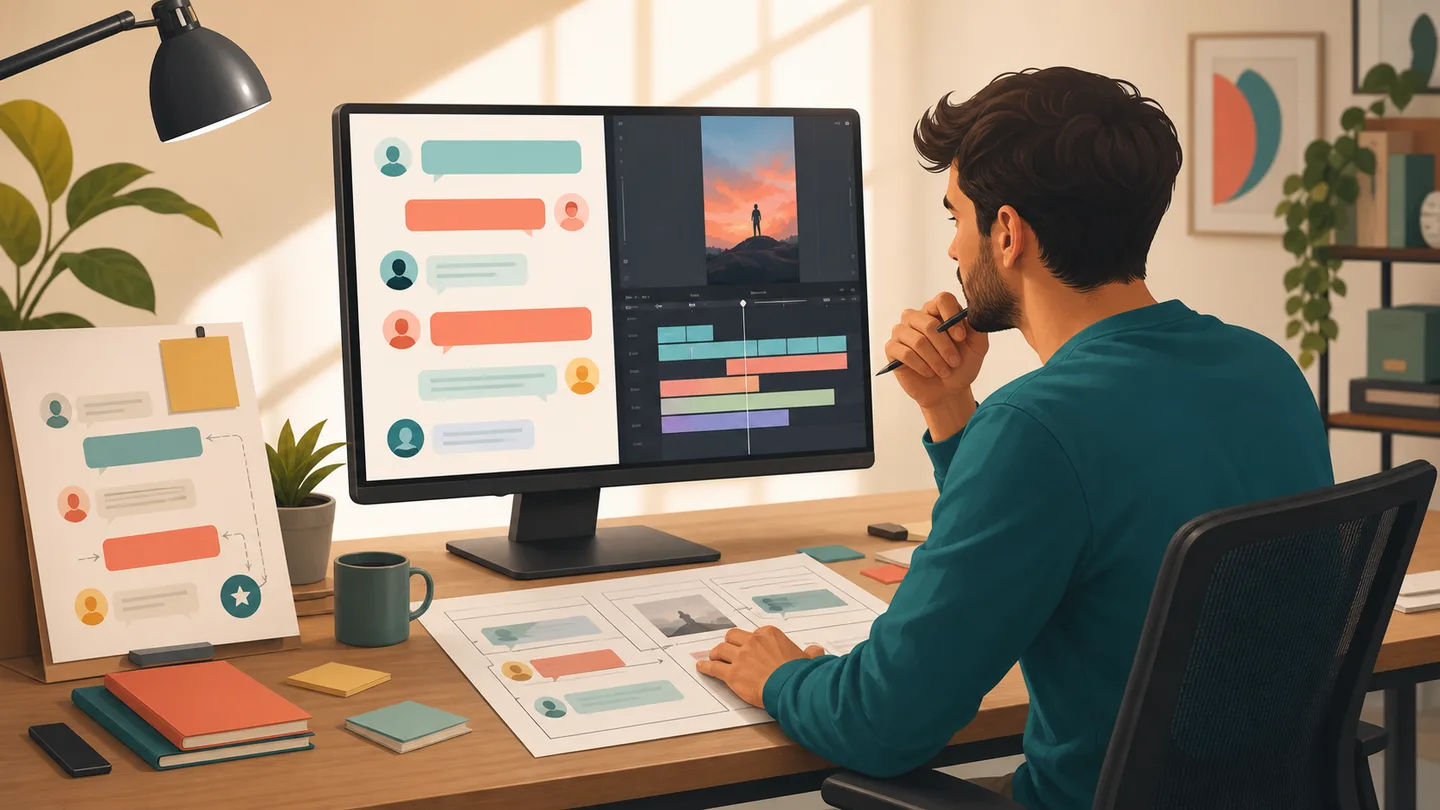
How to create a fake TikTok comment image step by step
1. Define the fictional use case
Write one sentence that explains why the image exists. For example: “This fictional comment introduces a tutorial about packing for a weekend trip.” A clear purpose keeps the visual connected to an original story instead of drifting into an unsupported testimonial or invented conversation.
2. Choose Reply Sticker or Comment Section
Use Reply Sticker when one comment should sit over footage, a product demo, or a talking-head video. Use Comment Section when the thread is the scene: several reactions, a creator reply, or a vertical mockup that needs the full 1080 × 1920 frame.
3. Enter the comment and identity details
Add the username, avatar, comment text, like count, time label, and any creator reply needed for the composition. Keep identities fictional or use material you have permission to include. Avoid real logos, celebrity names, customer identities, and claims that could be read as an actual endorsement.
4. Preview the image in the final context
Do not judge the comment card only inside the editor. Imagine it at the size it will appear in your video or slide. Check whether the text can be read quickly, whether the avatar and labels feel balanced, and whether the surrounding content makes the fictional context clear.
5. Export and place the PNG
Export a transparent sticker when the original video should remain visible behind the comment. Export the portrait comment section when the conversation is the main composition. Then place the PNG in your editor, resize it without stretching it, and watch the final sequence from beginning to end before publishing.
How to make the mockup believable without misleading people
A useful mockup feels coherent, but coherence does not require pretending that the interaction happened. Match the comment to the video topic, keep names and numbers internally consistent, and use a fictional identity that does not point to a real person or brand.
- Write the comment in the same tone as the fictional scene.
- Use likes and reply counts that support the composition instead of making an exaggerated popularity claim.
- Keep a disclosure, caption, or surrounding story cue when viewers might otherwise read the visual as documentary evidence.
- Never use a mockup as a customer review, endorsement, private message record, or proof of an event.
Comment Studio treats generated images as creative assets rather than proof of real interactions. Review the site's acceptable-use guidance and TikTok's current Community Guidelines before publishing a visual that could be misunderstood.
Using the PNG in a video edit or presentation
For a video hook, place a reply sticker early enough for the viewer to understand the question before your answer begins. Leave clear space around the card, keep it away from subtitles and interface controls, and test it on a phone-sized preview. For a presentation, a full comment section can illustrate a fictional conversation, research scenario, or design concept without requiring a live social account.
Comment text, usernames, uploaded avatars, likes, and creator replies are processed in the browser. The generator does not connect to a TikTok account or TikTok API. Read the privacy explanation before using an avatar, and only upload an image you have permission to use. If you are designing an integration rather than an independent mockup, consult TikTok for Developers' current design guidelines.
Common mistakes to avoid
Starting with the wrong format
A full portrait thread is awkward when you only need one line over a video. A transparent sticker cannot show the rhythm of a multi-person conversation. Decide which role the visual plays before filling in the details.
Writing too much for the viewing time
A long comment may look fine at desktop size but become impossible to read during a two-second hook. Shorten the wording or give the visual more screen time instead of shrinking it until it disappears.
Using real identities to make the scene feel credible
Real names, avatars, brands, and badges add risk, not quality. A fictional identity keeps attention on the idea and reduces the chance that a viewer mistakes the image for an authentic interaction.
Forgetting the final viewing environment
Check the finished edit with subtitles, music, transitions, and other overlays in place. The comment image should clarify the story, not compete with everything else on screen.
When a comment image is not the right tool
Use a caption writer when you need the post description below the video. Use a subtitle or transcription tool when spoken audio needs timed on-screen text. Use a comment-image editor only when the final asset is a visual reply, conversation, or audience prompt inside the creative itself.
Keeping those jobs separate prevents a common workflow mistake: asking one tool to produce an output it was never designed to make. You can browse the site's creator guides for more help choosing the right asset before you start editing.
FAQ
Is a fake TikTok comment image the same as a screenshot?
No. A screenshot records something that appeared on a device. A comment mockup is a designed image made from text and visual details you enter yourself. Keep that distinction clear when you publish it.
Can I make a transparent TikTok reply sticker?
Yes. Choose Reply Sticker when you need one selected comment on a transparent background, then place the exported PNG over your own video or design.
What size is a full TikTok-style comment section image?
Comment Studio exports the Comment Section format as a 1080 by 1920 portrait PNG, which is useful for vertical mockups, presentations, and editing timelines.
Does the generator write TikTok comments for me?
No. You supply the comment text, fictional identity, likes, labels, and replies. The tool is a visual editor and PNG exporter, not an AI comment writer or TikTok automation service.
How can I use a fake comment image responsibly?
Use fictional identities or content you have permission to use, keep the creative context clear, and never present a mockup as proof of a real conversation, endorsement, or event.
Make the visual serve the story
A fake TikTok comment image works best when it gives an original edit a clear starting point: a fictional question, reaction, or short conversation that the rest of the content answers. Choose the format, keep the identity fictional, preview the result in context, and export the PNG your editing timeline actually needs.
Create the visual once the role it plays in your story is clear.
Create a TikTok-style comment image